
DevDays 2004 Belgium - .NET Framework for Sys Admins
Originally published on my old blog at cumps.be on February 10, 2004.
Next was Tim Sneath. With a 2 part session about .NET for sysadmins.
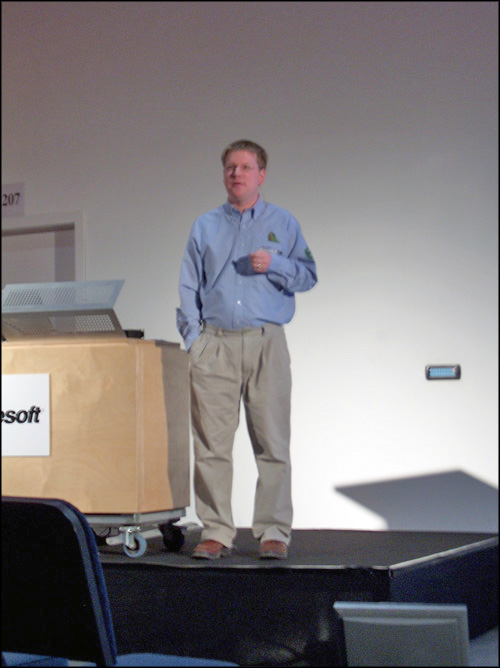
This is actually a session from the IT Pro track, but there were a lot of developers in there.
In the first session he explained about everything the .NET framework is and does, along with some nice demo’s. From which I’ll give some commands.
First the basic stuff csc file.cs // compile an exe csc /t:library file.cs // compile a dll csc /r:yourdll file.cs // compile an exe with your dll referenced
Then something nice: ildasm yourapp.exe
This tool gives a nice overview of the generated IL and the metadata. I totally get the concept of why there is no more dll hell.
The metadata includes the version number of your references, along with a possible public key. Which makes sure only your dll gets run, and no trojan dll someone elses got in there.
Something else that got explained was signing.
First you generate a privatepublic keypair with: sn -k key.snk // create your keypair, keep it safe!
Then you put it in your assembly and you sign it, and that way it can get a strong name.
Some random handy commands I noticed where: pushd . // store the current dir popd // return to the dir start . // open the current dir in explorer
Now the GAC was explained. This is kind of a global assembly storage place, the System32 of .NET if you like.
Some funny things I saw where that he got CommandBar and BandObjects in there ;)
One other useful tool is ngen.
Your code always gets JIT-ted when run, this is no problem for servers. Which stay on for a long time. But for a workstation and a Windows Forms app, this could make the startup slow. So therefore we generate an image, in native code. This is stored in the GAC as well, this makes your code startup a lot faster. And your app doesn’t need a Strong Name for this.
ngen yourapp.exe ngen yourdll.dll
You could do this with your installer after deployment.
After this, it was lunch :p Sandwiches and orange juice.
Then back to Tim Sneath for part 2.
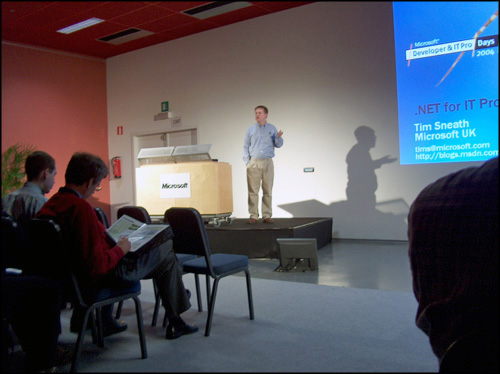
The most important thing I got here that isn’t on the slides is that user randomly choose Yes or No when prompted for ActiveX controls. Depending on what mood they’re in.
It mainly went about deployment and security in this session. How you can easily deploy your apps, with an installer, from a fileshare or from the web.
It showed the ease of XCOPY, along with recommending MSI.
Something that I found weird was, when you execute an exe locally and it doesn’t find all required dlls, it won’t start. When you run it from the web, it’ll start and throw an exception when it can’t find the dll when it dynamicly wants to load it. Which, if unhandled, can make your app crash. Why not check for all required dlls before running? Doesn’t a HTTP HEAD do the trick to check if it’s there or not.
That was all for the .NET for sysadmin sessions.
Next one was about ASP.NET, also by him :p



You May Also Like
DevDays 2004 Belgium - ASP.NET
Everything about how ASP.NET works, how you can secure things, how you can impersonate, how IIS6 so much owns IIS5 ;)
DevDays 2004 Belgium - Day 1
First of all, one of the questions I see coming back here: Which Whidbey version do you get?
DevDays 2004 Belgium - Innovation through Integration
Just before the Keynote started, they showed a robot driving around, bringing a beer, controlled by a PDA. Developed by students from 'KU Leuven'.