
NSurvey - Microsoft Layout
Originally published on my old blog at cumps.be on February 21, 2005.
As this application was going to collect feedback from Microsoft events, it had to look like it belonged to Microsoft, and it had to be designed professionally. To do this, I visited the Microsoft site, and saved the page to my dev pc. There I stripped all the content and created a template with two user controls, SiteHeader and SiteFooter.
The next step was to include the previously created SurveyListControlOverview on the Default.aspx page to provide a starting point for the user.
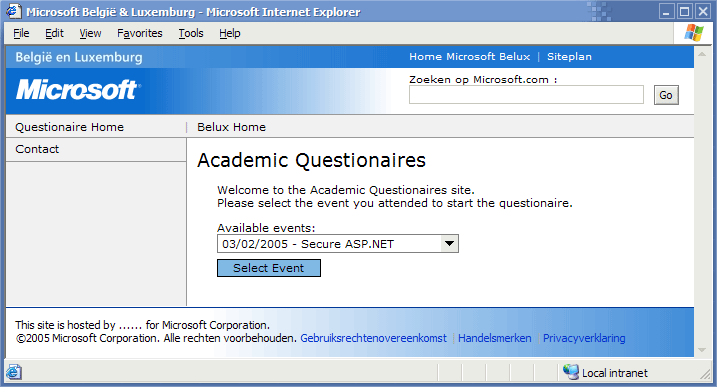
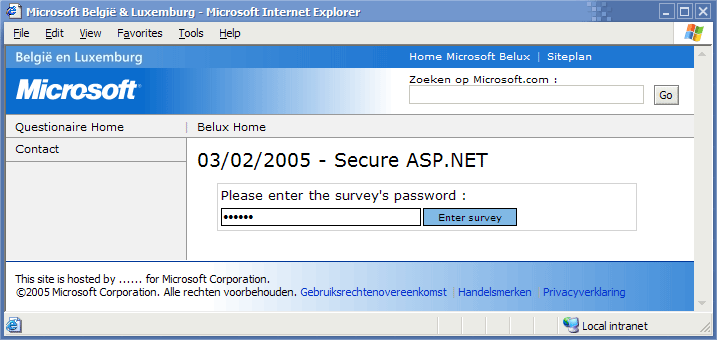
When they user selected a survey and clicked the button, the OverviewSurveyId property was retrieved and forwarded to the Survey.aspx page, which displayed the survey in the same layout, together with the survey title.
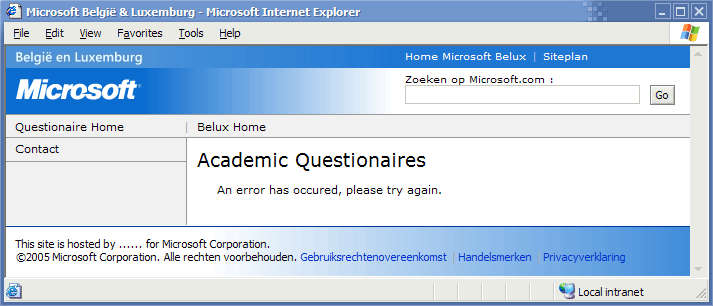
If an error occurs, the user gets redirected to a generic error page and an email gets dispatched to the site administrators.
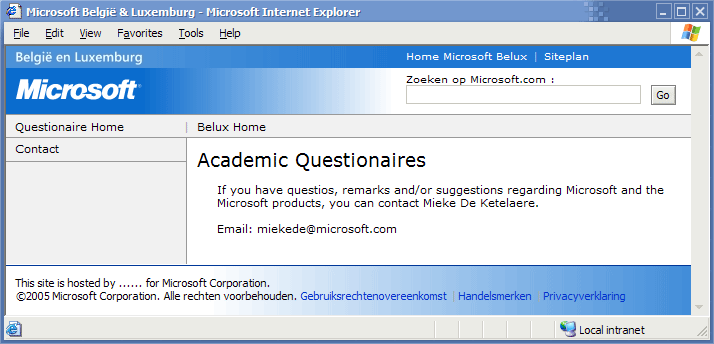
A contact page was also added to provide a contact person for users having problems or questions.
The last step in creating the layout was testing if it worked the same in Internet Explorer and Mozilla Firefox. Luckily it worked the same from the first time and the layout was finished.



You May Also Like
NSurvey - Answer Types
By default NSurvey provides different kinds of answer types. These are for example Basic Field, Rich Field, Calendar Field, Email Field, Hidden Field…
NSurvey - Belgian Regions
One of the standard controls of NSurvey is the Country List, which provides a dropdown list of countries. Belgium is one of these countries, but when you…
NSurvey - Matrix Questions
NSurvey supports matrix questions in its surveys. The only problem with this type of question was that in the reporting section of NSurvey, it listed each…