

Student Evangelist: Longhorn Screenies
Originally published on my old blog at cumps.be on February 22, 2004.
Well, here I am, playing mini-Evangelist in my class, telling everyone about all the nice .NET things.
And now with Longhorn installed, I wanted to show some screenies, and also prove that Pre-Alpha does not mean “If you touch it, it’ll destroy your PC” ;)
I know you can find these anywhere, but these are my screenies, my personal sweeties, my preciousssss :)
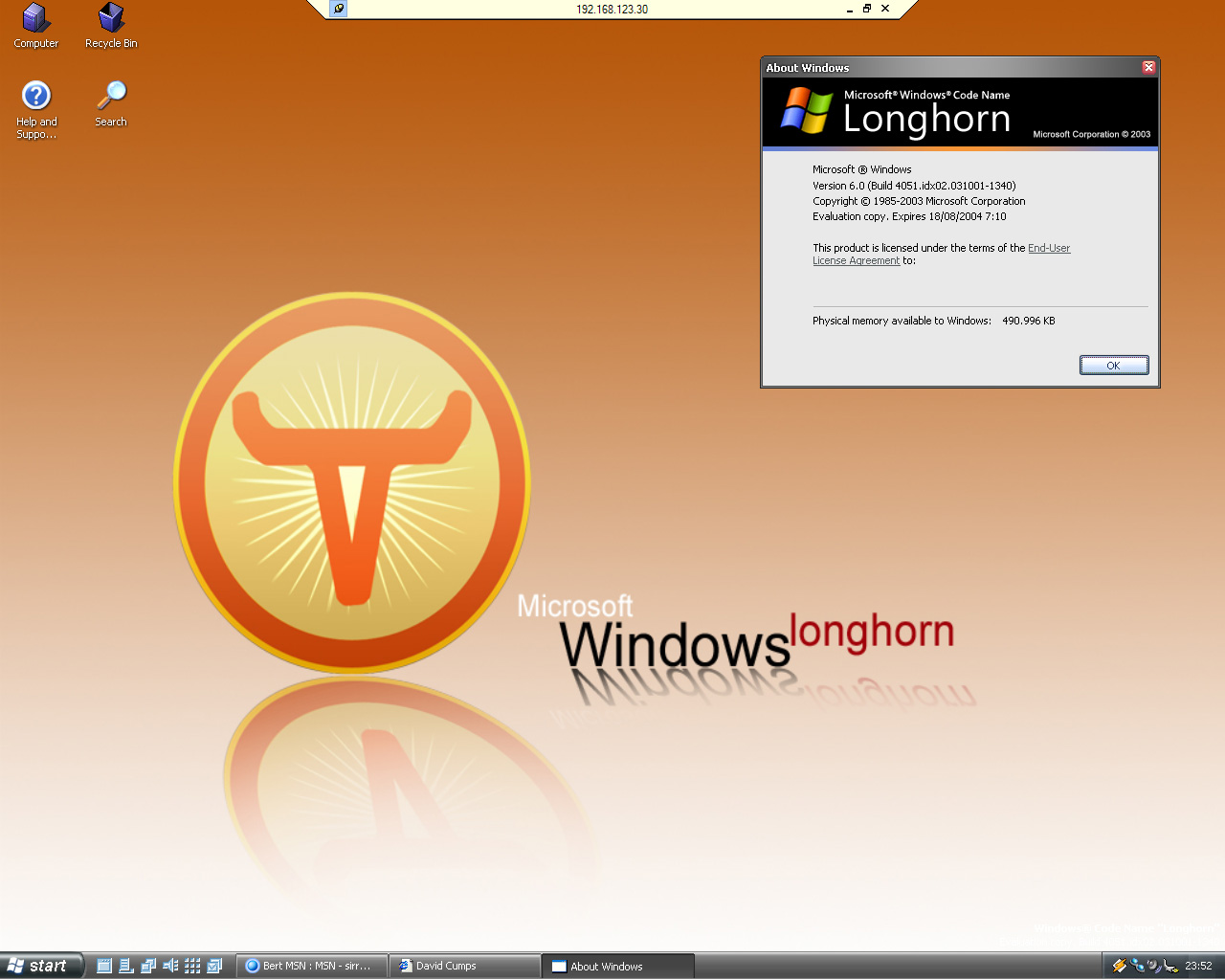
First the desktop.
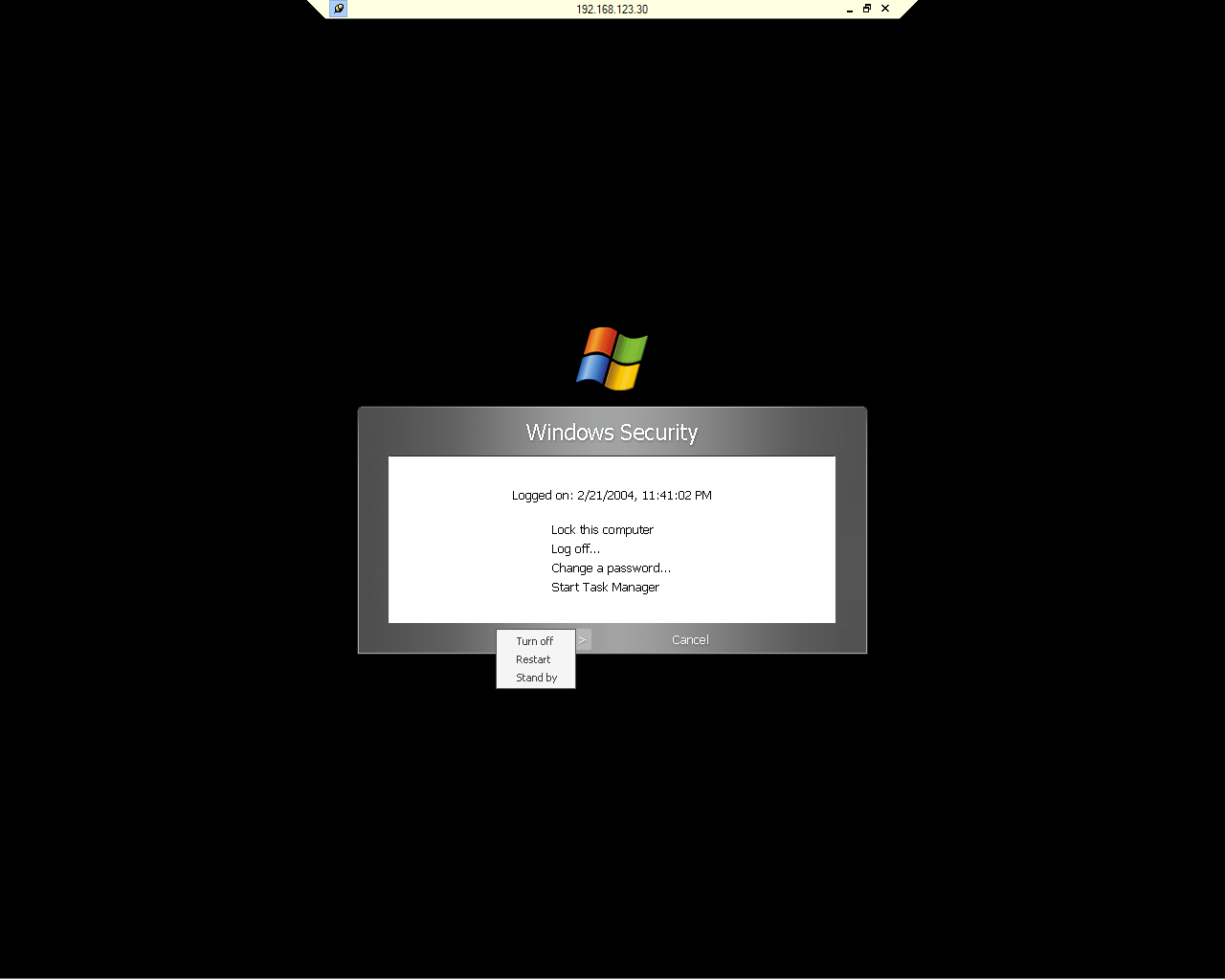
Followed by hitting Ctrl-Alt-Del.
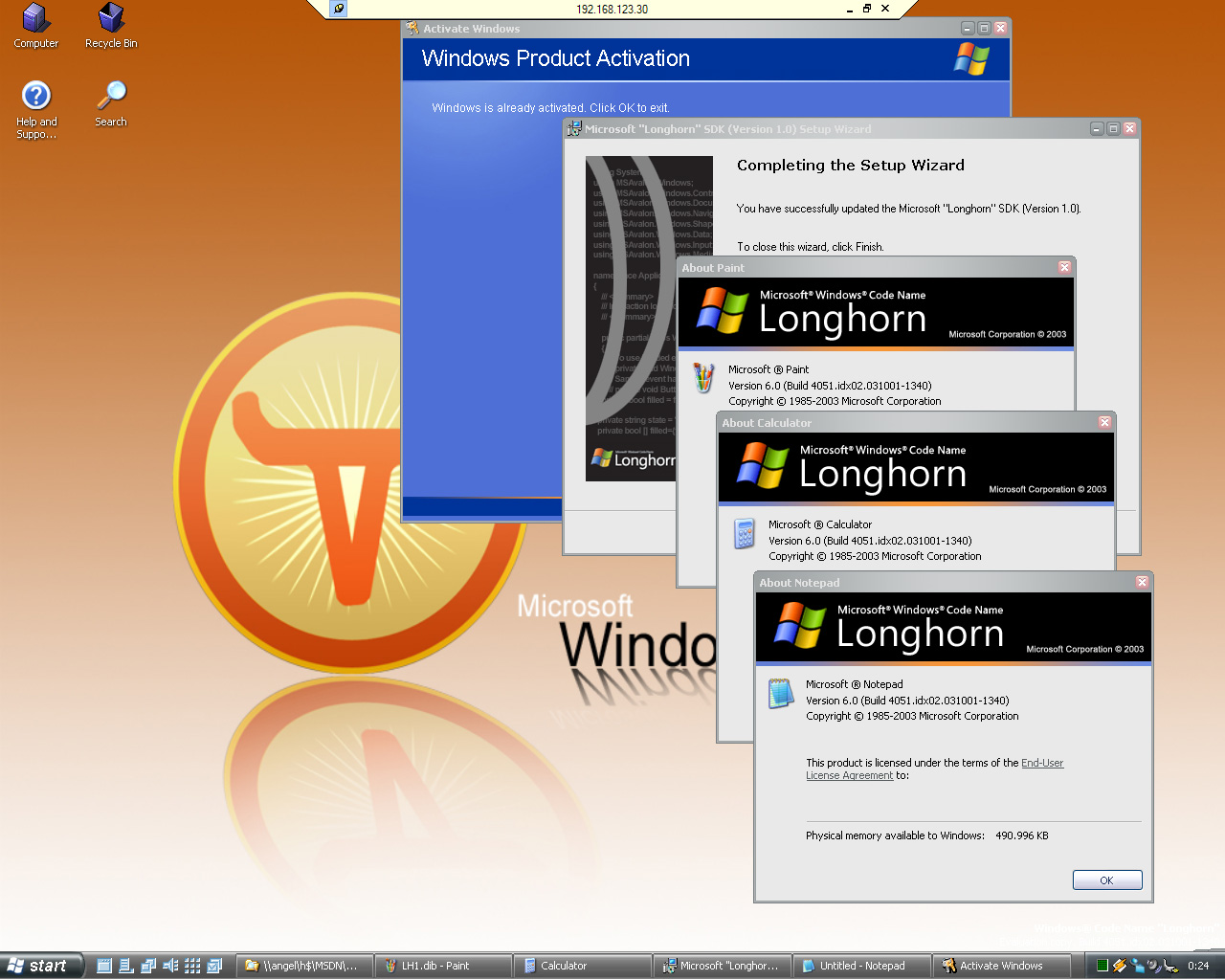
And don’t worry, all your great software is still there, like Paint, Calculator and Notepad ;)
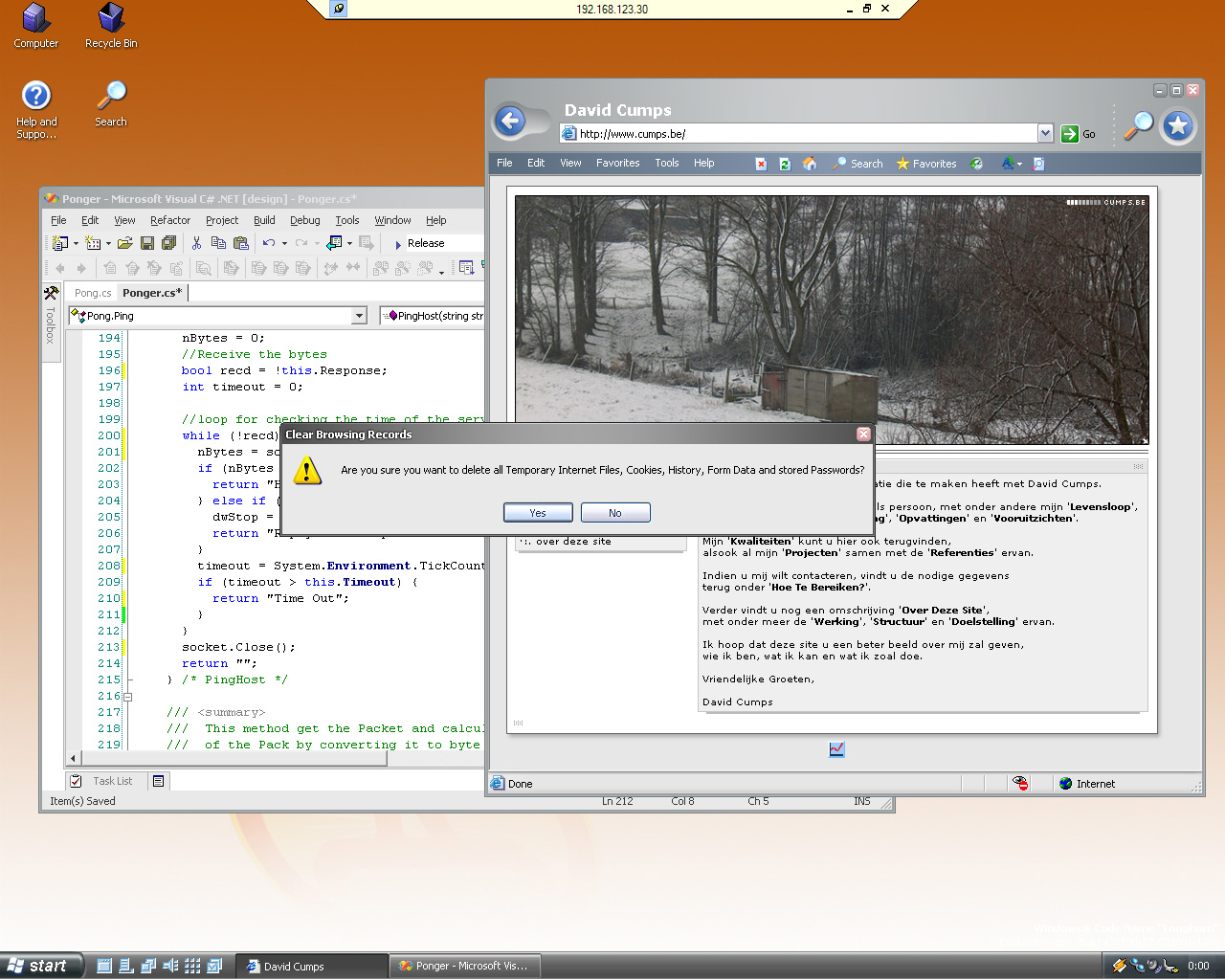
Here you have the proof that the IE team actually does add new things, and that it still exists. One of the features is to Clear Browsing Records. And in the back you see Visual Studio .NET Whidbey, with the nice yellow/green indicators to show which unsaved changes there are and which changes already have been saved.
And this screenie round ends at the Logoff, after which Remote Desktop closed.
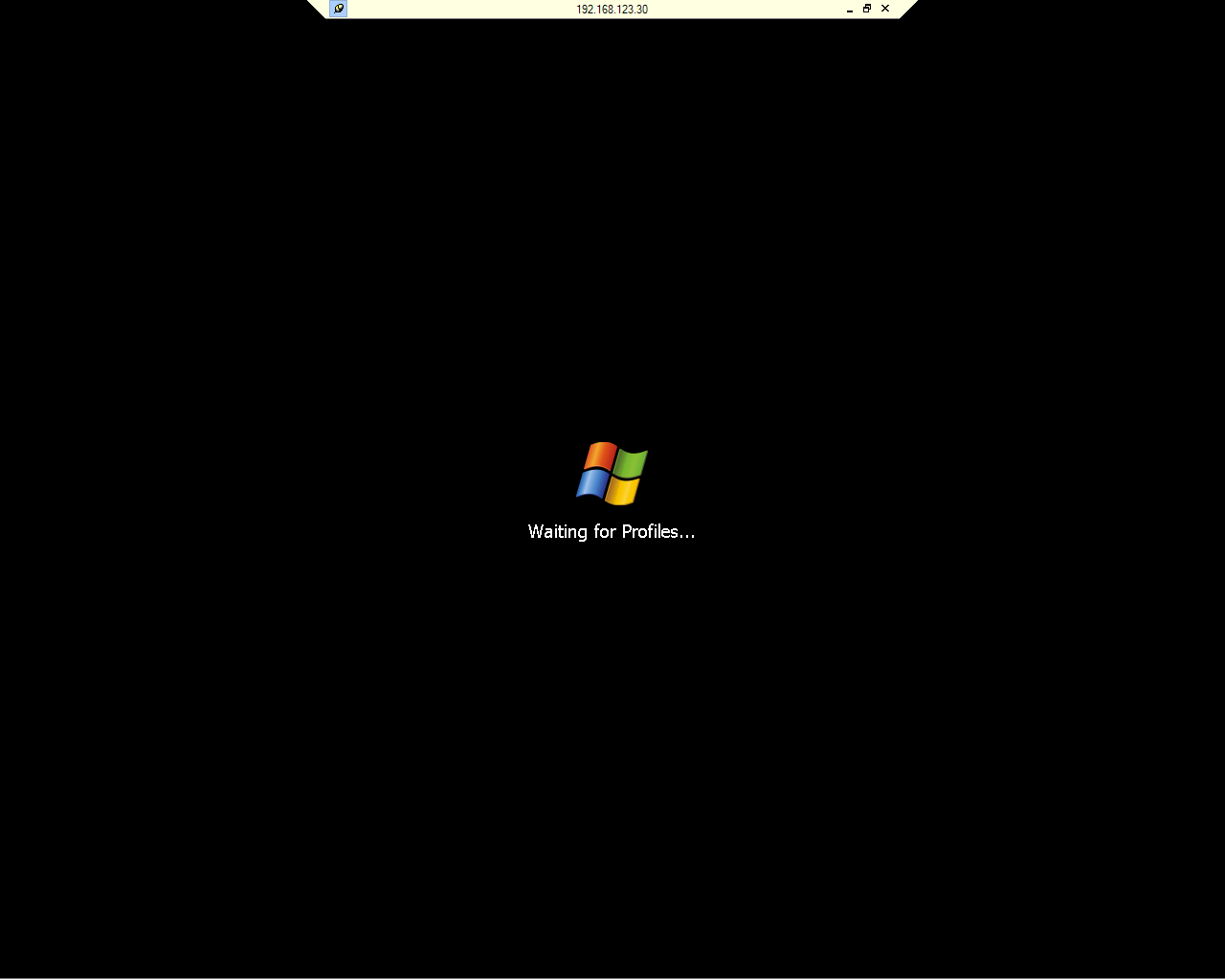
I really like the default look, no kiddie look as in XP. But also not the Win98 look. Very nice black, stylish.
Regarding layout, Explorer doesn’t seem to like me, it doesn’t want to set my preferred settings for every folder, even if I have told it to do so on every occasion.



You May Also Like

XAML: Irregular Controls
Trying irregular, skewed controls in Longhorn's XAML: gradients worked, but a skewed ListBox rendered stray lines.

I'm on Longhorn: Download Manager == Evil!
Longhorn finally installed on my laptop: tweaks, Whidbey BSODs, a first XAML file, and a Download Manager you can't stop.

Longhorn Installation Failing: 'An Error Occurred While Copying Files'
The Longhorn pre-alpha setup kept failing at 13 minutes left with 'An error occurred while copying files', on my laptop and in Virtual PC alike.