

NSurvey: Microsoft Layout
Originally published on my old blog at cumps.be on February 21, 2005.
As this application was going to collect feedback from Microsoft events, it had to look like it belonged to Microsoft, and it had to be designed professionally. To do this, I visited the Microsoft site, and saved the page to my development PC. There I stripped all the content and created a template with two user controls, SiteHeader and SiteFooter.
The next step was to include the previously created SurveyListControlOverview on the Default.aspx page to provide a starting point for the user.
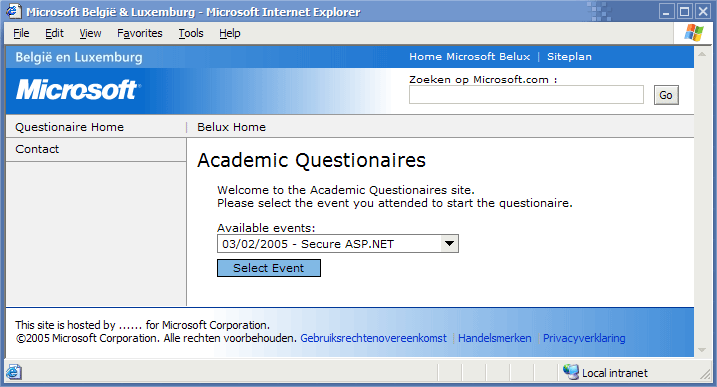
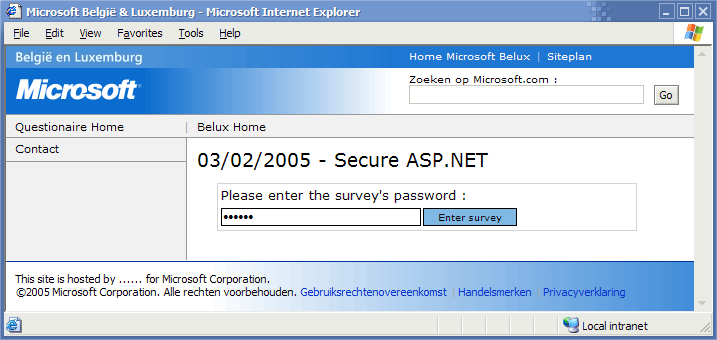
When the user selected a survey and clicked the button, the OverviewSurveyId property was retrieved and forwarded to the Survey.aspx page, which displayed the survey in the same layout, together with the survey title.
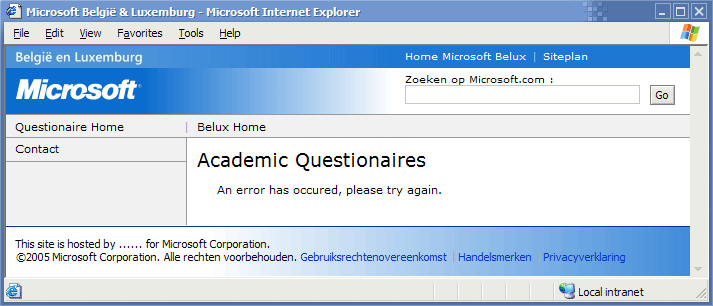
If an error occurs, the user gets redirected to a generic error page and an e-mail is sent to the site administrators.
A contact page was also added to provide a contact person for users having problems or questions.
The last step in creating the layout was testing if it worked the same in Internet Explorer and Mozilla Firefox. Luckily it worked the same from the start and the layout was finished.



You May Also Like

NSurvey: Answer Types
Extending NSurvey with custom answer types: a school field that appears when Other is chosen, built on its publisher/subscriber model.

NSurvey: Belgian Regions
NSurvey's Country List knew Belgium but not its regions. How I added them through its region XML files and subscriber model.

NSurvey: Matrix Questions
NSurvey's reports listed matrix rows without their matrix question, which got confusing. I made them show both.