

Manage iPod through Windows Explorer
Originally published on my old blog at cumps.be on August 10, 2007.
Do you own an iPod? Are you tired of using iTunes? If you answered yes to both questions, read on! reTune is your solution.
reTune is a very small, but useful, tool which you store on your iPod and every time you connect to your computer (or any computer for that matter, since you’ll be free of iTunes), you double click just one file and you will be able to manage your iPod music collection through Windows Explorer!
When you run it for the first time, it will scan your iPod for MP3 files, read out the artist, title and album information and store it in Apple’s proprietary iPod format. I advise starting with an empty iPod, since it will not magically extract music already on your iPod. Read these detailed instructions before using it.
reTune keeps a kind of mapping file between where a music file was originally located and where it’s stored after syncing. When you plug your iPod back in, and rerun reTune, it will move the file back out of the iPod, making it visible in the file system and allowing you to manage your collection, just remember to sync it back into the iPod afterwards :)
Here’s a sample session of using reTune:
I connect my iPod, which holds a copy of the archive in MP3 format, from some time ago, and run reTune.
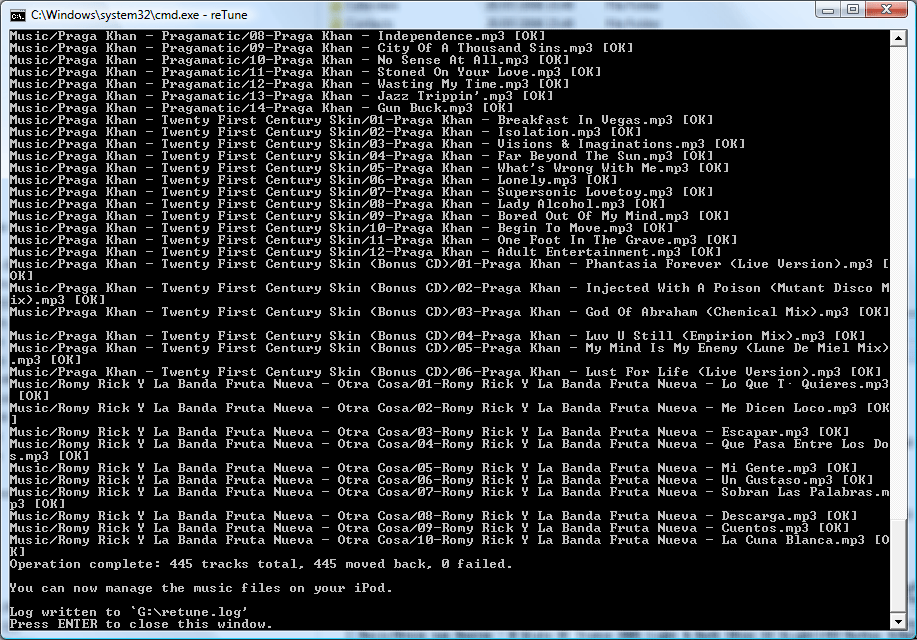
From this point on, I can manage the files on my iPod through Windows Explorer and add or remove music.
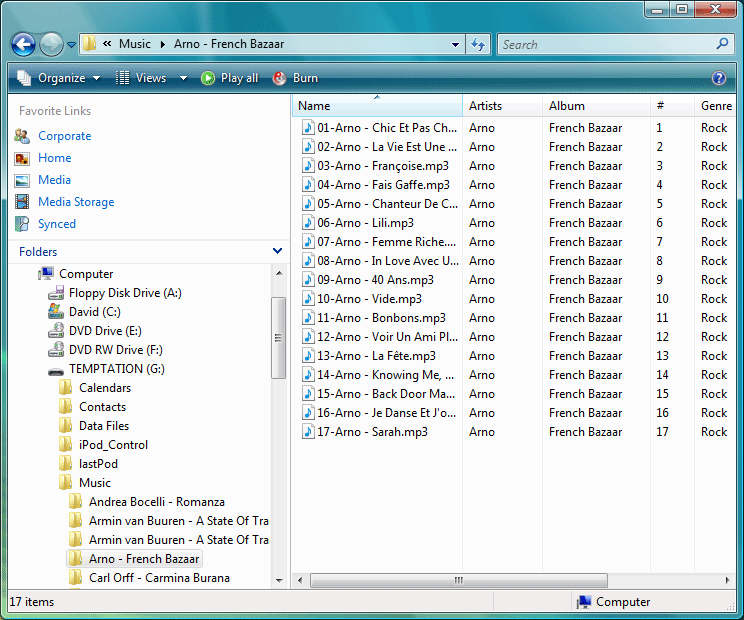
When I’m done organizing my files, I run reTune again, which moves everything back into the iPod.
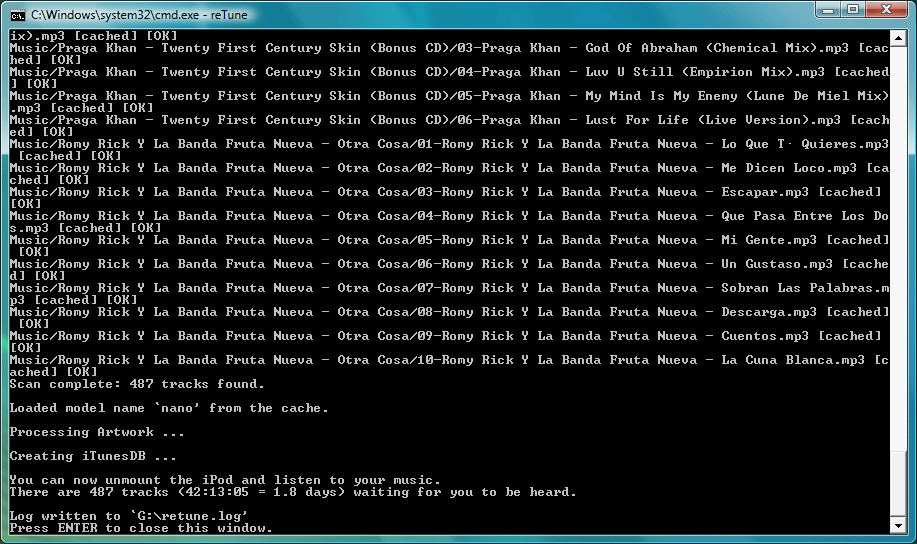
After this I simply remove my iPod and off I go, ready to hit the road again, but now with my updated music collection. At no point did I need iTunes or was I bothered by DRM restrictions. I should be able to play all the music I bought in my local music store on all devices I own. And I can.



You May Also Like

Listen to High Quality Music
FLAC stores music without any loss of quality, at a fraction of the size of wave files. Why it's the right format for an audiophile.

How This Blog Is Served
The machinery behind the words you're reading: Hugo, an unprivileged nginx, a strict CSP, and a deploy script.

Keeping the Old Addresses Alive
Nobody migrates email in one day. Fetchmail, a receive-only alias domain, and permanent redirects bridge the old world into the new one.